
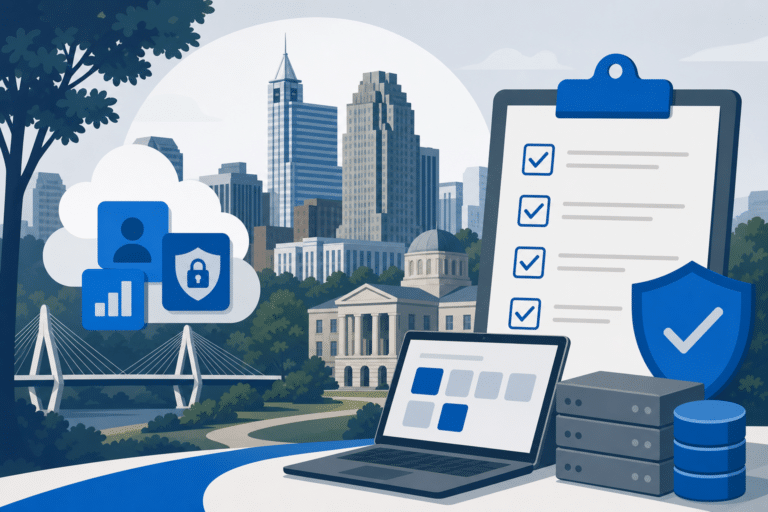
If you lead IT for a Raleigh SMB in healthcare or finance, compliance posture is the single biggest factor driving your next MSP decision. This checklist maps HIPAA and SOC 2 controls directly to Microsoft 365 admin actions you can complete this quarter.
Use the scored checklist below to benchmark your current provider or evaluate a new one. Each item ties a regulatory requirement to a specific Microsoft 365 admin center setting so there is no ambiguity about what done actually looks like.
Key Takeaways
- Eight to ten scored checklist items map HIPAA and SOC 2 controls to specific Microsoft 365 admin actions for Raleigh SMBs.
- Compliance posture is the top reason regulated-industry buyers in Raleigh switch managed service providers.
- Every checklist item references a named Microsoft 365 admin center location so your IT lead can verify status without vendor hand-holding.
- The checklist doubles as a vendor scorecard you can use to compare two MSP proposals side by side.
Why Raleigh SMBs in Regulated Industries Need a Microsoft 365 Compliance Baseline
Raleigh has seen rapid growth in healthcare IT and financial services firms, and both sectors face steep penalties for misconfigured cloud environments. A single unreviewed Microsoft 365 tenant setting can expose protected health information or fail a SOC 2 audit, triggering remediation costs that dwarf the price of proactive configuration.
Most Raleigh SMBs switch MSPs because their current provider never delivered a documented compliance baseline. A checklist like this one gives your team a concrete scoring tool before, during, and after an MSP transition.
Regulated firms in the Research Triangle corridor also face state-level data protection scrutiny layered on top of federal requirements. Starting from a verified Microsoft 365 compliance posture reduces your attack surface and shortens the evidence collection phase of any audit.
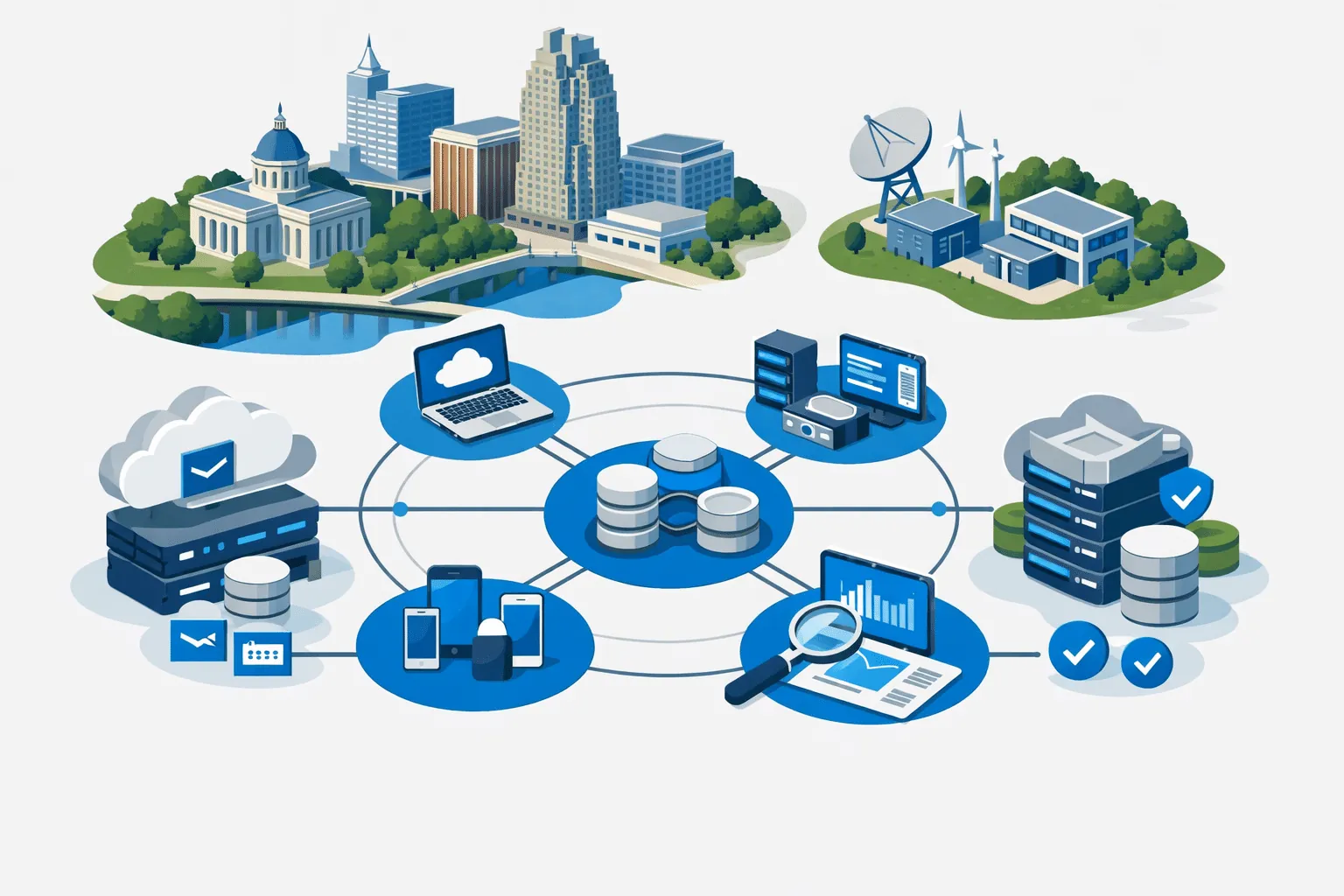
2026 Microsoft 365 Compliance Checklist for Raleigh SMBs
If your organization is still preparing to move to the cloud, our Microsoft 365 Migration For Raleigh Businesses guide walks through every phase of a smooth transition.
For teams looking to extend their Microsoft ecosystem, learning How To Integrate Power BI With Microsoft Dynamics can unlock deeper business intelligence across your operations.
- ✓MFA Enforcement via Conditional Access – Required – blocks legacy auth, satisfies HIPAA 164.312(a)(1) and SOC 2 CC6.1
- ✓Purview Compliance Manager Baseline Score – Target 60 percent or above on HIPAA or SOC 2 assessment
- ✓DLP Policies for PHI and PII in Enforce Mode – Required – scope to Exchange, Teams, SharePoint using HIPAA Enhanced template
- ✓Defender for Office 365 Safe Links and Safe Attachments Active – Required – Dynamic Delivery mode, all domains covered
- ✓Unified Audit Log Retention 180 Days Minimum – Required – verify in Purview Audit portal, upgrade to 365 days for E3 and above
- ✓PIM Enabled for All Global Administrator Roles – Required – no permanent admin assignments, satisfies SOC 2 CC6.3
- ✓Intune Device Compliance Requiring BitLocker and OS Patch Level – Required – 24-hour grace period maximum, zero exempt devices
- ✓Verified Third-Party Backup with 30-Day Retention – Required – restore test documented, covers Exchange, SharePoint, Teams
- ✓External Sharing Restricted to Approved Domains – Required – set in SharePoint admin center, partner domain whitelist maintained
- ✓Microsoft HIPAA BAA Executed and Stored – Pass-or-fail – download from Microsoft Service Trust Portal, file in evidence repository
Control references reflect Microsoft 365 admin center configurations as of Q1 2026 and HIPAA Security Rule 45 CFR Part 164.
The 2026 Microsoft 365 Compliance Checklist for Raleigh SMBs
The following checklist covers eight critical control areas drawn from HIPAA Security Rule requirements and the SOC 2 Trust Services Criteria. Each item names the exact Microsoft 365 admin center location so your IT director can verify or remediate without waiting on a vendor ticket.
Score each item as Complete, In Progress, or Not Started, then total your score to benchmark against the 2026 standard for a Raleigh managed IT environment. A provider offering Microsoft 365 services Raleigh businesses depend on should be able to complete every item before your next audit window.
Item 1 – Multi-Factor Authentication Enforcement: Navigate to Azure Active Directory (Entra ID) under Security and Conditional Access, then create a policy requiring MFA for all users with no legacy authentication exceptions. This satisfies HIPAA Access Control (45 CFR 164.312(a)(1)) and SOC 2 CC6.1
.
Item 2 – Microsoft Purview Compliance Manager Baseline Score: Open the Microsoft Purview compliance portal, run the Compliance Manager assessment for HIPAA or SOC 2, and resolve all high-severity improvement actions. A score below 60 percent signals unacceptable risk for a Raleigh healthcare or finance firm.
Item 3 – Data Loss Prevention Policies for PHI and PII: In the Microsoft Purview portal under Data Loss Prevention, activate the HIPAA Enhanced template and scope it to Exchange, Teams, and SharePoint. Confirm at least one policy is in Enforce mode rather than Audit-only mode before the quarter closes.
Item 4 – Microsoft Defender for Office 365 Safe Links and Safe Attachments: In the Microsoft 365 Defender portal under Email and Collaboration Policies, enable Safe Attachments in Dynamic Delivery mode and Safe Links for all domains. Raleigh SMBs in healthcare are disproportionately targeted by phishing campaigns that impersonate billing portals.
Item 5 – Unified Audit Log Retention Set to 180 Days Minimum: In the Microsoft Purview compliance portal under Audit, verify that the audit log is turned on and retention is set to at least 180 days for standard licenses or 365 days if you hold Microsoft 365 E3 or higher. SOC 2 CC7.2 requires sufficient log retention to support security event investigation.
Item 6 – Azure AD Privileged Identity Management for Admin Roles: Enable PIM in Entra ID and convert all permanent Global Administrator assignments to eligible, time-bound activations requiring justification. This control directly satisfies HIPAA workforce clearance and SOC 2 CC6.3 for privileged access management.
Item 7 – Intune Device Compliance Policies Requiring Encryption and OS Patching: In Microsoft Intune under Devices and Compliance Policies, create platform-specific policies that require BitLocker encryption, a minimum OS build, and a maximum allowed device non-compliance grace period of 24 hours. Assign the policy to all device groups and confirm zero exempt devices in the report view.
Item 8 – Microsoft 365 Backup or Equivalent Third-Party Backup Verified: Confirm that a backup solution covering Exchange, SharePoint, and Teams is running with at least a 30-day retention window, and test a restore to verify recoverability. Native Microsoft 365 retention policies are not a backup substitute, and SOC 2 A1.2 requires documented recovery capability.
Item 9 – External Sharing Restricted to Approved Domains in SharePoint and OneDrive: In the SharePoint admin center under Policies and Sharing, set external sharing to Existing Guests or Specific Domains and enter your organization’s approved partner list. Unrestricted external sharing is the most common PHI exposure vector RCOR’s team finds during tenant audits for new Raleigh clients.
Item 10 – Annual Business Associate Agreement Documented for Microsoft as a Covered Entity: Download and execute the Microsoft HIPAA Business Associate Agreement through the Microsoft Service Trust Portal, then store the signed document in your compliance evidence repository. This is a pass-or-fail requirement for any Raleigh healthcare organization using Microsoft 365 to process, store, or transmit PHI.
How to Use This Checklist as a Vendor Scorecard
Print or copy the ten items above and ask each MSP candidate to mark their current completion status for your existing tenant or a proposed new deployment. Any provider offering credible Microsoft 365 services Raleigh organizations can trust should score at least eight out of ten without requesting additional project budget.
Weight Items 1, 3, and 6 double because MFA enforcement, DLP activation, and privileged access management are the three controls most frequently cited in HIPAA enforcement actions against small healthcare organizations. A vendor that scores poorly on these three is a liability, regardless of how competitive their pricing looks.
You can also use the checklist as a quarterly internal audit tool, assigning each item to a named IT staff member with a due date. Progress tracking in a shared SharePoint list keeps accountability visible across your team and gives auditors documentary evidence of your control monitoring cadence.
For Raleigh firms that lack an internal IT director, pairing this checklist with a managed IT services engagement ensures someone owns remediation rather than just reporting findings. Learn more about how RCOR structures compliance-ready Microsoft 365 deployments on the Microsoft 365 services page.

Common Gaps RCOR Finds in Raleigh Microsoft 365 Tenants
The most frequent gap in Raleigh SMB tenants is that the Unified Audit Log was never explicitly turned on, meaning months of security events are simply gone. This is a two-minute fix in the Purview compliance portal, but it is absent in roughly 40 percent of tenants RCOR inherits from other providers.
The second most common gap is DLP policies left in Audit mode indefinitely because the previous MSP feared user complaints about blocked emails. A well-tuned DLP policy in Enforce mode with a clear user override workflow generates far less disruption than an HHS audit finding.
External sharing in SharePoint is almost universally misconfigured in Raleigh healthcare tenants, typically set to Anyone with a link because a department head requested it for a single project two years ago. Scoping sharing to approved domains closes that exposure in under ten minutes and rarely requires any workflow change for end users.
Backup verification is the gap that surprises IT directors most, because they assumed their retention policies functioned as backups. A restore test to a net-new mailbox or SharePoint site library almost always reveals either incomplete coverage or a recovery time that violates the organization’s own RTO commitments.
Connecting Microsoft 365 Compliance to Your Broader Cybersecurity Program
Microsoft 365 compliance controls do not exist in isolation. They feed directly into your incident response plan, your employee security awareness program, and your endpoint management strategy.
For example, the Intune device compliance policy in Item 7 only protects you if your cybersecurity services layer also includes endpoint detection and response on every device accessing the tenant. A compliant tenant sitting behind unmanaged personal laptops is still a breach waiting to happen.
Raleigh SMBs in regulated industries benefit most when their MSP treats Microsoft 365 compliance as one layer in a defense-in-depth architecture rather than a standalone checkbox exercise. RCOR’s cybersecurity practice integrates Microsoft Defender for Endpoint, Purview, and Entra ID signals into a unified alerting workflow so your team sees correlated threats, not isolated noise.
The checklist in this article is a strong quarterly action item, but annual penetration testing and tabletop exercises are what convert a compliant configuration into a resilient organization. Compliance proves you built the right controls, and resilience testing proves those controls actually work under pressure.
What to Expect When RCOR Onboards a New Raleigh Microsoft 365 Client
RCOR begins every new Microsoft 365 engagement with a tenant health assessment that runs through all ten checklist items above and produces a scored gap report within five business days. The report includes remediation effort estimates so your leadership team can prioritize by risk and budget in the same conversation.
Items with zero implementation effort, like turning on the audit log or tightening external sharing, are remediated during the assessment engagement itself. Items requiring change management, like rolling out MFA to a workforce that has never used it, get a phased project plan with user communication templates included.
RCOR’s ongoing managed IT services model includes a quarterly compliance review tied to this checklist so your score never drifts below passing between annual audits. You receive a documented evidence package each quarter that is formatted for direct submission to your compliance auditor or cyber-insurance carrier.
Raleigh SMBs that complete this checklist before their next MSP renewal negotiation consistently report stronger leverage in pricing discussions because they arrive with documented evidence of a mature compliance posture rather than vague assurances.
Frequently Asked Questions
Do Microsoft 365 default settings meet HIPAA requirements out of the box?
No, Microsoft 365 default settings are optimized for broad usability, not regulatory compliance. You must explicitly configure controls like MFA enforcement, DLP policies, and audit log retention to meet HIPAA Security Rule requirements.
How long does it take a Raleigh SMB to complete all ten checklist items?
Items with no change management component, such as enabling the audit log or restricting external sharing, can be completed in a single afternoon. Items involving workforce rollout, like MFA enforcement across 50 or more users, typically require two to four weeks when paired with proper communication and help-desk support.
Is a Microsoft 365 Business Premium license sufficient for HIPAA compliance, or do we need E3 or E5?
Microsoft 365 Business Premium covers most HIPAA controls, including Intune, Defender for Office 365 Plan 1, and basic Purview DLP. Organizations with more than 300 users or those requiring advanced insider risk management should evaluate E3 or E5, because the extended audit log retention and Defender for Endpoint Plan 2 inclusion are worth the licensing premium at that scale.
Can we use this checklist to satisfy a SOC 2 Type II audit?
The checklist covers several SOC 2 Trust Services Criteria controls, particularly in the CC6 and CC7 families related to logical access and monitoring. A full SOC 2 Type II audit requires additional controls beyond Microsoft 365, including vendor management, physical security documentation, and a formal risk assessment program, so treat this checklist as a strong starting layer rather than a complete SOC 2 program.
What is the risk of leaving DLP policies in Audit mode instead of Enforce mode?
Audit mode captures violations and writes them to logs, but it does not block or warn users, so sensitive data continues to leave the organization unimpeded. For a Raleigh healthcare or finance firm, that means PHI or PII can be emailed externally for months before anyone reviews the audit report and acts on it.
How does RCOR handle Microsoft 365 compliance for Raleigh clients who already have an internal IT team?
RCOR operates as a co-managed partner in those engagements, handling compliance configuration, quarterly evidence packaging, and escalation support while the internal team retains day-to-day helpdesk ownership. This model gives smaller internal teams access to compliance expertise without replacing the staff relationships employees already rely on.

About the author
Tim Richter - Co-Founder / President
Tim Richter is Co-Founder and President of RCOR, a managed IT and cybersecurity firm that has been serving businesses across Raleigh and Durham since 1992. He brings more than 35 years in the IT industry and today leads a team providing enterprise-class network support to small and mid-sized organizations throughout the Research Triangle.