
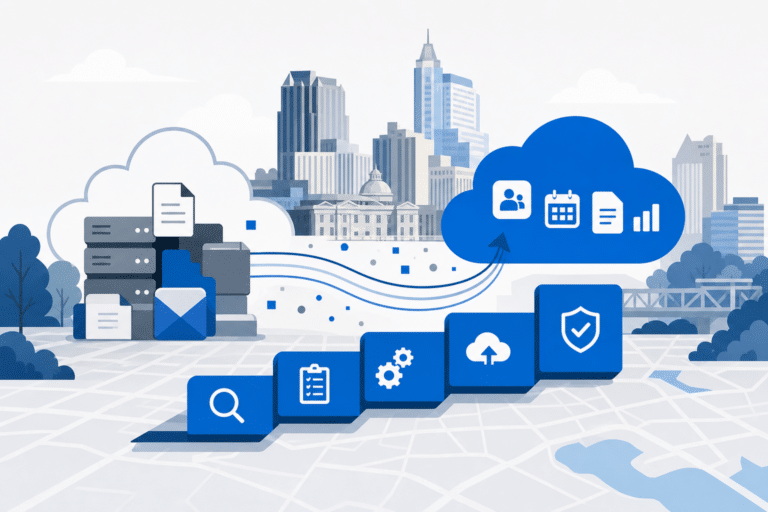

Migrating to Microsoft 365 is one of the highest-stakes IT projects a Raleigh business will run in any given year. Done right, you get modern email, file sharing, and Teams collaboration with security baked in.
Done wrong, you get bounced emails, lost OneDrive files, and a help desk queue full of frustrated users. This guide walks through every phase of a Microsoft 365 migration for Raleigh and Durham companies, with the checklist RCOR uses on real projects.
Key Takeaways
- A clean Microsoft 365 migration runs in six phases: discovery, license selection, tenant setup, data migration, security configuration, and user enablement.
- License tier matters. Business Basic, Business Standard, Business Premium, and E3 each unlock very different security and compliance features for Raleigh SMBs.
- Email cutover is rarely the hard part. SharePoint structure, OneDrive sync, and Teams governance are where most local migrations stall.
- Skipping security defaults, MFA enforcement, and conditional access is the most common and most expensive mistake we see in Triangle-area migrations.
Why Raleigh Businesses Are Moving to Microsoft 365
Raleigh and the broader Research Triangle have a heavy concentration of professional services, life sciences, and tech-adjacent firms that grew past on-prem Exchange years ago. These teams need real mobility, secure file sharing with outside counsel or clinical partners, and reliable video meetings.
Microsoft 365 covers all of that in one license stack. It also gives small and mid-size Raleigh businesses access to enterprise-grade security tools that would have cost six figures to build on-prem.
The challenge is that Microsoft 365 is not a product you install. It is a platform you configure, and the difference between a working tenant and a leaky one comes down to the choices made during setup.
That is why a structured migration matters more than speed. Rushing the cutover to save a weekend usually costs you a quarter of cleanup.
For more on our broader microsoft-365-services approach, review the parent service page.
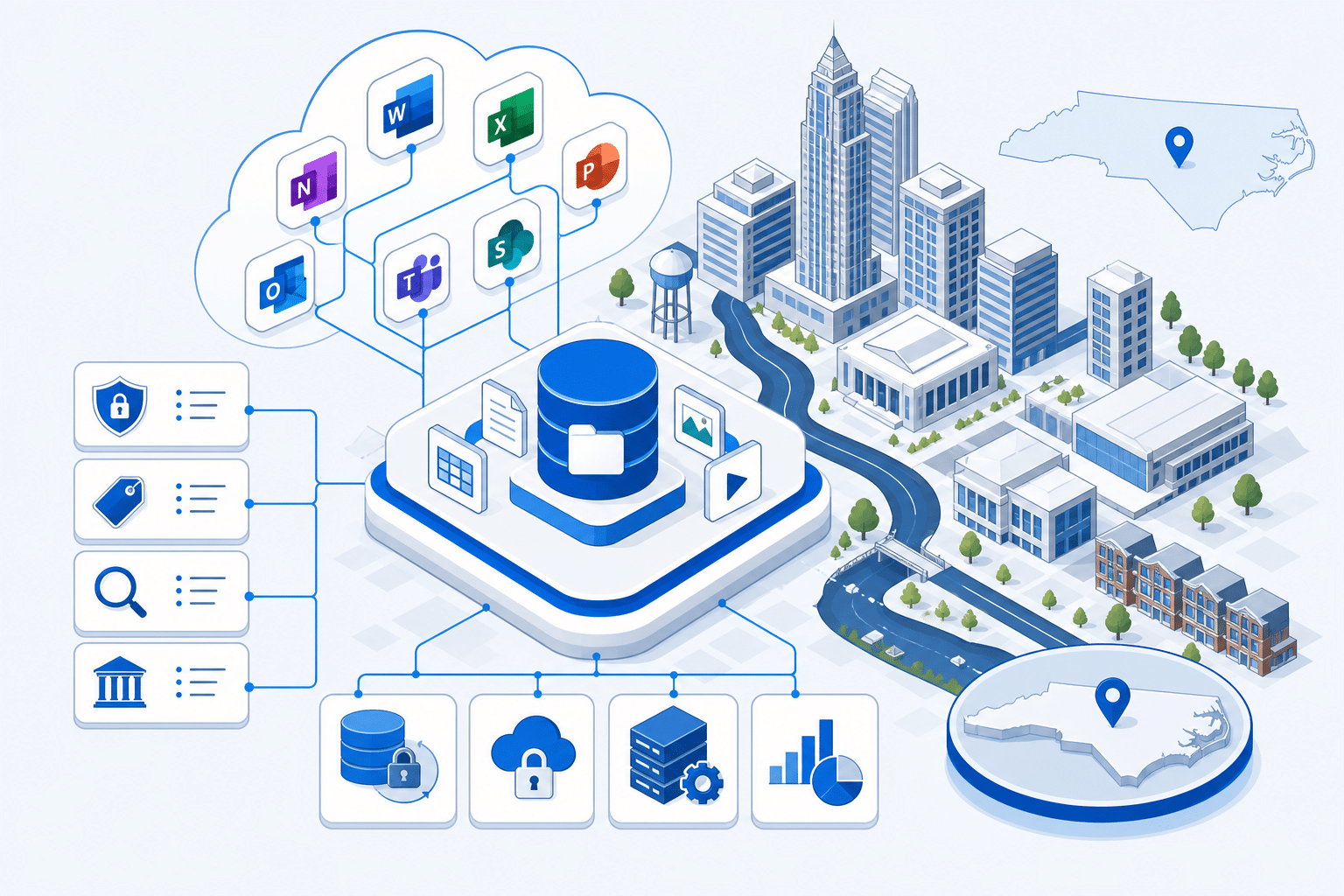
Microsoft 365 Migration Compliance Checklist for Raleigh Businesses
- ✓Phase 1 Discovery – Inventory mailboxes, file shares, distribution lists, and LOB email senders
- ✓Phase 2 License Selection – Choose Business Basic, Standard, Premium, or E3 based on security needs
- ✓Phase 3 Tenant Setup – Verify domain, configure MX, SPF, DKIM, and DMARC records
- ✓Phase 4 Identity – Deploy Entra Connect, named admin accounts, break-glass credentials in vault
- ✓Phase 5 Email Migration – Run pilot batch, lower DNS TTL, perform delta sync, switch MX records
- ✓Phase 6 File Migration – Map shares to SharePoint, Teams, or OneDrive with permissions intact
- ✓Phase 7 Teams Governance – Set creation policy, naming conventions, and external sharing rules
- ✓Phase 8 MFA Enforcement – Require app-based MFA, block legacy authentication protocols
- ✓Phase 9 Conditional Access – Configure location, device, and risk-based access policies
- ✓Phase 10 Defender for Office – Enable Safe Attachments, Safe Links, and anti-phishing rules
- ✓Phase 11 Audit and Retention – Turn on unified audit log, configure retention and DLP policies
- ✓Phase 12 Backup – Deploy third-party Microsoft 365 backup for mail, OneDrive, and SharePoint
- ✓Phase 13 User Enablement – Deliver 30 minute training on Teams, OneDrive, and new Outlook
- ✓Business Basic License – 6 USD per user per month, web and mobile Office, Exchange, Teams
- ✓Business Premium License – 22 USD per user per month, adds Intune, Defender, Azure AD P1
Pricing reflects standard Microsoft commercial rates and may vary by agreement. Verify current pricing with your Microsoft partner.
Phase 1: Discovery and Planning
Every Microsoft 365 migration starts with an honest inventory. You need a list of every mailbox, shared mailbox, distribution group, public folder, file share, line-of-business app that sends email, and third-party tool that touches your current environment.
For Raleigh businesses still on Exchange 2013 or 2016, this is also the moment to map calendar delegations and resource mailboxes. These items break silently if you forget them.
Document mailbox sizes, file share sizes, and the largest single PST files in the building. These numbers drive your migration window and your bandwidth requirements.
Plan the cutover date around your business calendar, not the IT calendar. A CPA firm in North Hills should not migrate in March, and a school should not migrate in August.
Phase 2: Choosing the Right Microsoft 365 License Tier
License selection is where Raleigh businesses leave the most money and security on the table. Business Basic at roughly 6 dollars per user per month gives you web and mobile Office apps plus Exchange, Teams, SharePoint, and OneDrive.
Business Standard adds the desktop Office apps and is the right baseline for most professional services teams. Business Premium adds Intune, Defender for Business, Azure AD Premium P1, and conditional access, which is where real security starts.
For Raleigh firms handling regulated data, including HIPAA-covered medical practices and law firms with privileged client material, Business Premium is the floor and not a luxury. The math almost always favors Premium once you price the equivalent third-party security stack.
Enterprise E3 and E5 enter the picture for companies above 300 users or those with advanced compliance and eDiscovery requirements. Most Triangle SMBs do not need E3 until they actually outgrow Business Premium.

Phase 3: Tenant Setup and Domain Configuration
Tenant setup looks simple in the wizard and is usually where small mistakes become permanent. Choose your tenant name carefully, because the onmicrosoft.com prefix cannot be changed later.
Verify your primary domain through DNS, then plan the MX, SPF, DKIM, and DMARC records before you cut over mail. Skipping DKIM and DMARC is a common reason Raleigh businesses end up in spam folders after migration.
Configure global admin accounts with separate, named identities and store break-glass credentials in a vault. Do not use a shared admin mailbox for daily work.
Set up Azure AD Connect or Entra Connect early if you are running hybrid identity. Sync errors caught during planning are an hour of work, while the same errors caught during cutover are a weekend.
Phase 4: Email Migration Step by Step
Email is the visible part of any Microsoft 365 migration, and Raleigh users will judge the entire project on whether their inbox arrives intact. Pick the migration method that fits your source: cutover, staged, hybrid, or third-party tool such as BitTitan or SkyKick.
Cutover migration works for under 150 mailboxes coming from on-prem Exchange. Hybrid migration is the right call for larger environments or anywhere you need a phased move over weeks.
Run a pilot batch of 5 to 10 mailboxes a week before the main cutover. Pilot users surface the Outlook profile quirks, mobile device re-enrollment steps, and shared calendar issues you will hit at scale.
On cutover night, lower TTL on MX records 24 hours ahead, perform the final delta sync, and switch DNS only after confirming the last batch completed. Plan for a 48 hour window where mail can arrive at either the old or new system.
Phase 5: SharePoint, OneDrive, and Teams Rollout
File migration is where most Triangle-area projects underestimate the effort. A 2 TB file share does not lift cleanly into SharePoint without decisions about site structure, permissions, and retention.
Map each existing file share to either a SharePoint site, a Teams channel, or a personal OneDrive. Departmental shares belong in SharePoint or Teams, while individual user folders belong in OneDrive.
Use a tool like ShareGate or Mover to handle the actual data move with permissions intact. Drag and drop through File Explorer is the slowest and most error-prone option, and it strips metadata.
Stand up Teams with a governance plan, not a free-for-all. Decide who can create teams, what naming conventions apply, and how external sharing works before users start clicking the new app icon.
Phase 6: Security Configuration and Compliance Defaults
Security configuration is the difference between a Microsoft 365 tenant that protects your business and one that just hosts your mail. Turn on security defaults at minimum, and replace them with conditional access policies as soon as you license Business Premium or higher.
Enforce MFA on every account, including service accounts where possible, using app-based authentication rather than SMS. Block legacy authentication protocols, because attackers exclusively target IMAP, POP, and basic auth to bypass MFA.
Configure Microsoft Defender for Office 365 to scan attachments and links, set up Safe Attachments and Safe Links policies, and enable anti-phishing rules tuned for your domain. Review the Secure Score weekly during the first 90 days.
Turn on audit logging, set retention policies that match your industry obligations, and configure DLP rules for the data types your business actually handles. For Raleigh medical and legal clients, this is also where your HIPAA or client confidentiality framework gets enforced.
Common Mistakes Raleigh Businesses Make During M365 Migration
The most expensive mistake is treating Microsoft 365 as just an email move. Teams, SharePoint, OneDrive, and the security stack all need design decisions, and ignoring them creates technical debt you pay for over the next three years.
Second is choosing the cheapest license tier and bolting on third-party tools. Business Premium usually beats Business Standard plus a separate MFA tool plus a separate MDM plus a separate email security gateway, both on cost and on integration.
Third is migrating without a backup plan. Microsoft replicates your data for availability but does not back it up against accidental deletion or ransomware, so a third-party Microsoft 365 backup is part of the project, not an afterthought.
Fourth is skipping user training. A 30 minute session on Teams, OneDrive sync, and the new Outlook prevents weeks of help desk tickets and protects the productivity gains the migration was supposed to deliver.
How RCOR Runs Microsoft 365 Migrations in the Triangle
RCOR has been delivering Microsoft 365 services in Raleigh, Durham, Cary, and the surrounding Triangle for years across professional services, healthcare, and nonprofit clients. Every project follows the six-phase framework above with documentation that stays with the client.
We size your license tier against actual usage, not a default template. We migrate mail, files, and Teams structure with permissions intact, and we configure security defaults that match your compliance obligations.
Most migrations for businesses under 100 users complete in 4 to 6 weeks from kickoff to cutover. Larger or hybrid environments usually run 8 to 12 weeks with a phased cutover.
If you are scoping an Office 365 migration in Raleigh NC or planning your first Microsoft 365 setup across Raleigh and Durham offices, the right time to start is before you sign your next license renewal. That is where the leverage lives.
Frequently Asked Questions
How long does a Microsoft 365 migration take for a Raleigh small business?
For a typical Raleigh business under 50 users, a full Microsoft 365 migration runs 3 to 5 weeks from kickoff to cutover. That assumes a clean source environment and one location.
Larger companies or hybrid Exchange environments usually need 8 to 12 weeks, and regulated industries add another 2 to 3 weeks for security and compliance configuration.
What does Microsoft 365 cost per user for a Raleigh business?
Business Basic runs about 6 dollars per user per month, Business Standard is around 12.50, and Business Premium is roughly 22 per user per month . For most Raleigh and Durham professional services firms we recommend Business Premium because it includes the Intune device management and Defender security tools that would otherwise be separate purchases
. Enterprise E3 starts around 36 per user and is usually overkill below 300 users .
Can we migrate from Google Workspace to Microsoft 365?
Yes, and we run Google Workspace to Microsoft 365 migrations regularly for Raleigh clients. Mail, calendars, contacts, and Drive files all migrate with the right tooling.
The trickiest piece is usually shared drives and Google-native files like Sheets and Docs, which need a conversion plan before they land in SharePoint or OneDrive.
Do we still need a backup if we use Microsoft 365?
Yes. Microsoft replicates your data across data centers for availability, but they do not back it up against user error, malicious deletion, or ransomware.
Their retention windows are limited and recovery options are not designed for full point-in-time restores. A third-party Microsoft 365 backup is standard practice for any M365 business in Raleigh that cannot afford to lose mail or files.
What happens to our email during the cutover?
With proper planning, no mail is lost during cutover. We lower DNS TTL ahead of time, run a final delta sync of mailboxes, and switch MX records during a low-traffic window.
Mail sent during the cutover is queued by sending servers and delivers within minutes to hours of DNS propagation, so users see a brief delay rather than a gap.