

A cracked laptop screen can bring a Durham business to a standstill when an employee needs that device for client presentations, financial modeling, or daily operations. Knowing how to repair a cracked laptop screen, and when to call a professional, protects both your data and your productivity.
This guide explains what Durham businesses should understand about screen replacement options, the risks of DIY repair, and how to keep work devices running with minimal downtime.
Key Takeaways
- A cracked laptop screen is typically repaired through full display replacement, which usually preserves all files and installed programs.
- DIY screen replacement involves bezel removal, screw extraction, and delicate connector work that many businesses find too risky for work devices.
- Durham has several local repair options ranging from full-service shops to specialist services with same-day turnaround for common screen issues.
- Liquid damage combined with a cracked screen requires immediate shutdown and power disconnection before any repair attempt to prevent further harm.
What Durham Businesses Should Do First When a Laptop Screen Cracks
The first step after discovering a cracked laptop screen is to assess whether the damage is purely cosmetic or if it affects functionality. Look for visible cracks, black spots, flickering, discoloration, or touch response failures that indicate deeper issues beyond the glass surface.
If the laptop is still displaying an image and the crack has not compromised the LCD or OLED panel beneath, you may have a brief window to back up critical files before the damage spreads. Connect an external monitor via HDMI or USB-C to verify that the graphics processor and motherboard remain intact.
When liquid is involved with the screen damage, shut the laptop down immediately and disconnect all power sources including the battery if it is removable. Continuing to power a liquid-exposed device risks short-circuiting the motherboard and turning a screen replacement into a total hardware loss.
When a cracked screen is just one symptom of deeper system issues, comprehensive PC troubleshooting in Durham NC can identify underlying hardware failures, driver conflicts, or malware that may have contributed to the damage or threaten other devices on your network.
Understanding the Professional Screen Replacement Process
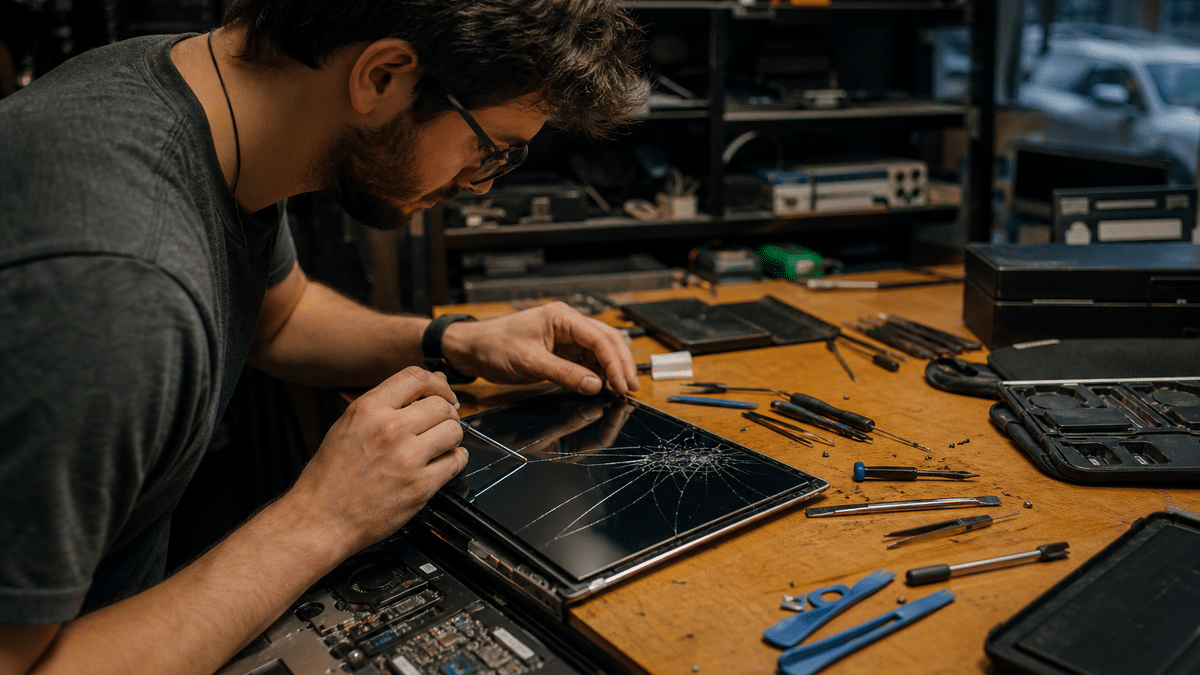
Professional laptop screen replacement follows a precise multi-step hardware process that protects the internal components of the device. Technicians begin with bezel removal to access the display assembly, followed by careful screw extraction and cataloging to ensure proper reassembly.
The most delicate phase involves disconnecting and reconnecting the display cable, which carries both video signal and power to the panel. A single bent pin or incomplete seating can result in no image, backlight failure, or intermittent flickering that mimics a defective replacement screen.
Functional testing completes the repair workflow, verifying brightness controls, resolution at native settings, hinge tension, and closure detection before the device returns to service. This systematic approach is why many Durham businesses choose professional repair over DIY attempts for devices that hold sensitive company data.
DIY Screen Repair: Why Durham Businesses Often Avoid It
Replacing a cracked laptop screen yourself requires patience, the correct replacement panel, and specialized tools including plastic pry bars, precision screwdrivers, and sometimes suction cups for glass separation. The process also demands working in a clean, static-controlled environment to prevent dust intrusion or electrostatic discharge damage.
Even with proper tools, the connector disconnection and reconnection phase presents the highest risk for inexperienced technicians. Modern laptops use fragile ribbon cables with locking mechanisms that break easily, and routing these cables incorrectly can pinch them against the chassis when reassembled.
For Durham businesses, the stakes extend beyond the hardware itself to include lost productivity, potential data exposure if the device is damaged further, and warranty complications if the repair goes wrong. The time spent troubleshooting a failed DIY repair often exceeds the turnaround of a professional service, making the upfront labor cost a sensible investment for work-critical devices.
Local Repair Options Available to Durham Businesses
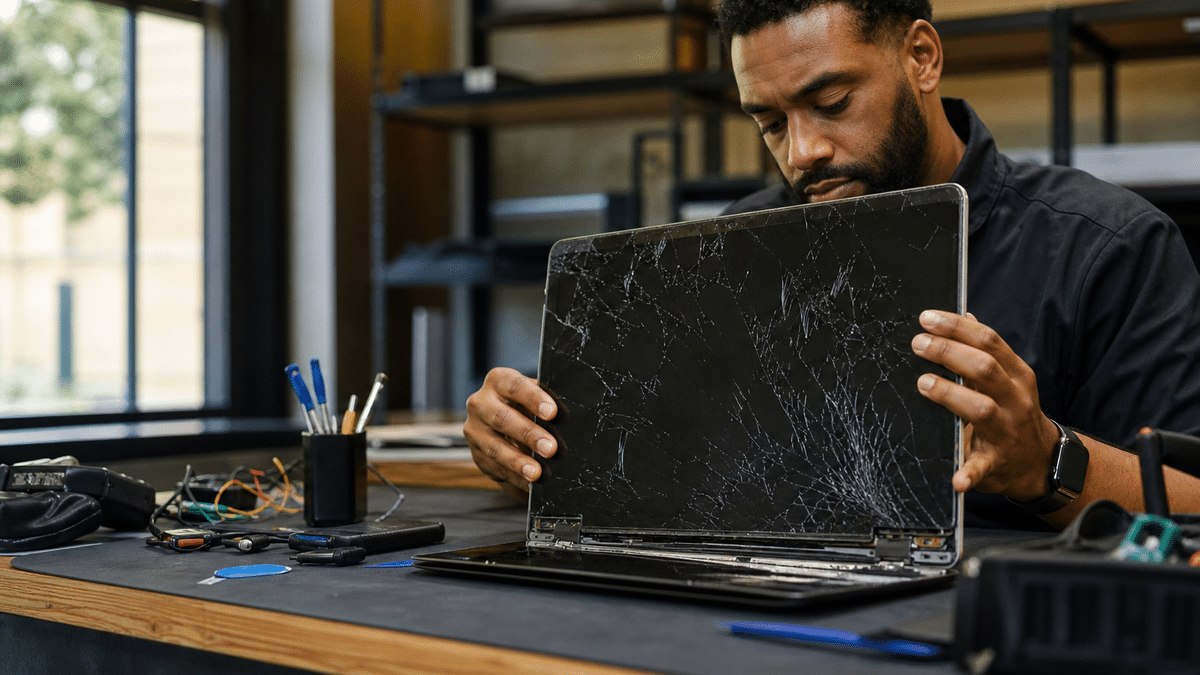
Durham businesses have access to several repair service models, each with distinct advantages depending on urgency, device type, and support expectations. Full-service local shops handle both PC and Mac laptop screen replacement alongside related physical damage such as snapped hinges and body casing cracks.
Chain locations with published service menus and appointment booking systems offer predictable scheduling and standardized pricing structures that help with budget planning. These operations typically maintain inventory for common business laptop models and can provide turnaround estimates at the time of booking.
Specialist services focused on computer repair rather than general electronics may offer free diagnosis, detailed quotes before work begins, and same-day repairs for common screen issues. Some also back their work with a 12-month warranty that covers both parts and labor, giving finance and operations teams a fixed cost to budget against rather than an open-ended repair bill.
Protecting Data and Productivity During Screen Repair
One of the most common concerns businesses have about screen repair is whether files and programs will survive the process. In typical cases, cracked laptop screens are repaired via screen replacement that does not impact stored data or installed applications, since the display is a peripheral component rather than a storage device.
To eliminate any residual risk, establish a backup routine before hardware issues occur so that critical data exists in at least two locations independent of the device being repaired. Cloud-based backup through services like Microsoft 365 or local network backup to a managed server both satisfy this requirement and align with broader business continuity planning.
For organizations with multiple laptops in service, consider maintaining a spare device or establishing a hot-swap agreement with your IT provider so that an employee with a cracked screen can resume work within minutes rather than hours. RCOR helps Durham businesses design these contingencies as part of managed IT services that include device procurement, configuration, and lifecycle management.
Device lifecycle planning also means preparing for operating system transitions, and organizations still running legacy software should review their roadmap for Windows 7 End Of Life to avoid security and compliance gaps.
When to Involve Your Managed IT Provider
A cracked screen on a single laptop may seem like a simple hardware issue, but it often signals broader questions about device management, warranty status, and security protocols that affect the whole organization. Your managed IT provider can verify whether the device remains under manufacturer warranty, coordinate repair logistics, and ensure that temporary replacement hardware meets your security and compliance standards.
RCOR has served Raleigh and Durham businesses since 1992 with enterprise-class network support designed for small-company budgets and IT consulting services that address gaps left by firms focused on larger enterprises. Our engineers hold professional industry certifications from major technology vendors and security organizations, and our support delivery system combines low-overhead virtual office infrastructure with sophisticated remote troubleshooting technology.
For Durham businesses with cracked laptop screens or any hardware concern, RCOR provides a Help Desk service model that maximizes responsiveness and ensures follow-through, along with on-site service availability when remote resolution is not practical. We act as your single point of contact, coordinating vendors and cutting downtime so your team stays productive.
Frequently Asked Questions
Will replacing a cracked laptop screen delete my files and programs?
No, screen replacement is a hardware repair that does not affect the storage drive where your files and programs reside. The display panel is a separate component connected to the motherboard, so replacing it preserves all data and installed software as long as no liquid damage or secondary impact has affected the internal storage.
How long does professional laptop screen repair typically take?
Many common business laptop models can be repaired same-day when the replacement panel is in stock and the damage is limited to the screen assembly. More specialized models or those requiring ordered parts may take several business days, which is why having a backup device or managed IT support arrangement helps maintain continuity.
Is it safe to use a laptop with a cracked screen if the image still displays?
Using a cracked screen temporarily is possible if the damage is stable and no glass shards are exposed, but it is not recommended for extended periods. The crack can spread without warning, debris can enter through the breach, and backlight leakage may strain the user’s eyes, reducing productivity and potentially creating liability if an employee is injured by broken glass.
What should I do if liquid spilled on the laptop when the screen cracked?
Shut the laptop down immediately, disconnect the power adapter, and remove the battery if it is removable. Do not attempt to power the device on or charge it until a technician has inspected the internal components, as residual liquid can cause short-circuiting that turns a screen replacement into a far more expensive motherboard repair.
How can my business reduce downtime from cracked laptop screens in the future?
Implementing a standardized device fleet with common models simplifies parts availability and repair turnaround. Pairing this with a managed IT services agreement that includes remote monitoring, help desk support, and hardware lifecycle management ensures that cracked screens and other issues are resolved through a single point of contact rather than ad-hoc vendor coordination.
Sources
- The Computer Cellar | Durham, NC Computer Repair
- Fix Lab, Durham, NC
- JSPC Durham
- Computer Services of Carolina | Durham NC
- uBreakiFix Tech Repair Franchise Grows Triangle-Area Footprint, Opens in Horton Hills (2026)
- Computer & Laptop Repair, Durham DH7 9BW | Electronic Partners
- Computer & Laptop Repair in Durham, NC, CPR Cell Phone Repair
- Laptop Repair, SureTech Services
- Computer Repairs and Accessories
- How to replace a laptop cracked screen in under 10 Minutes
- CPR Cell Phone Repair Durham, South Square, Durham, NC
- www.reddit.com

About the author
Tim Richter - Co-Founder / President
Tim Richter is Co-Founder and President of RCOR, a managed IT and cybersecurity firm that has been serving businesses across Raleigh and Durham since 1992. He brings more than 35 years in the IT industry and today leads a team providing enterprise-class network support to small and mid-sized organizations throughout the Research Triangle.